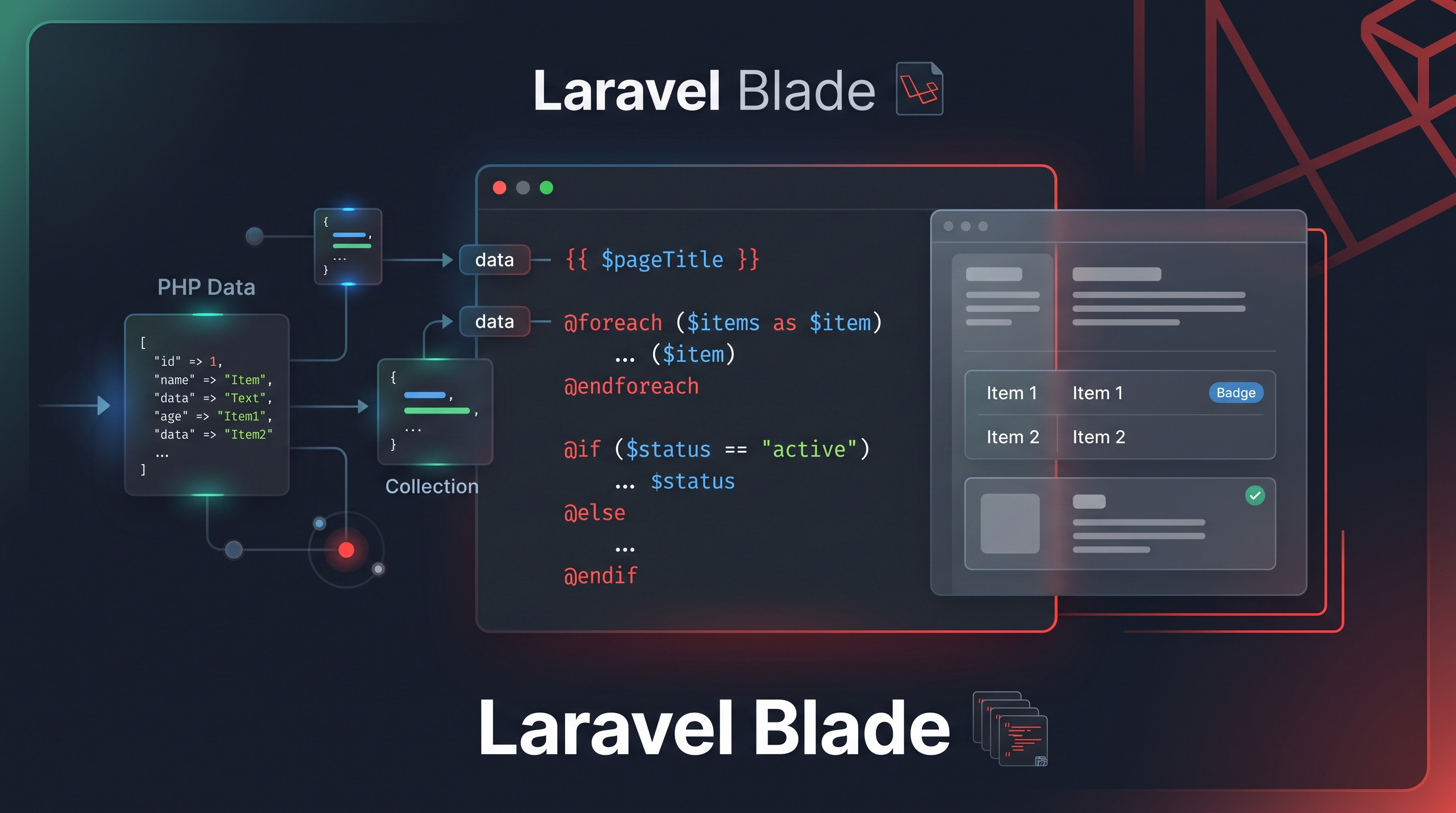
As part of my Laravel learning journey, I practiced working with Blade templates and dynamic data.
The goal of this practice was to understand how information can be passed to a Laravel view and then displayed dynamically.
What I Worked On
I practiced displaying student information such as:
- Name
- Department
- University
- CGPA
- Skills
Instead of writing the information directly into HTML, I worked with an array and used Blade syntax to display the values.
I also practiced @foreach for displaying multiple skills and @if for conditional content.
Why This Practice Matters
These are basic Laravel concepts, but they are important building blocks for creating dynamic web applications.
A real application rarely displays completely static information. Data usually comes from a database or another part of the application, and the view needs to display that data appropriately.
Blade provides a clean way to handle this presentation logic.
What I Learned
This practice helped me better understand the relationship between Laravel data and the view layer.
I also became more comfortable with Blade's syntax and the idea of keeping dynamic content separate from static HTML.
My current focus is on building a strong Laravel foundation before moving into more complex features.
Next Step
I’ll continue with the Laravel fundamentals and gradually move toward database-driven and more practical application development.
Share this article
Zahid Hasan Tonmoy
Author & Developer
MERN Full Stack Developer & AI Agent Developer based in Dhaka, Bangladesh. Writing about web development, React, PostgreSQL and my learning journey.
View Portfolio→