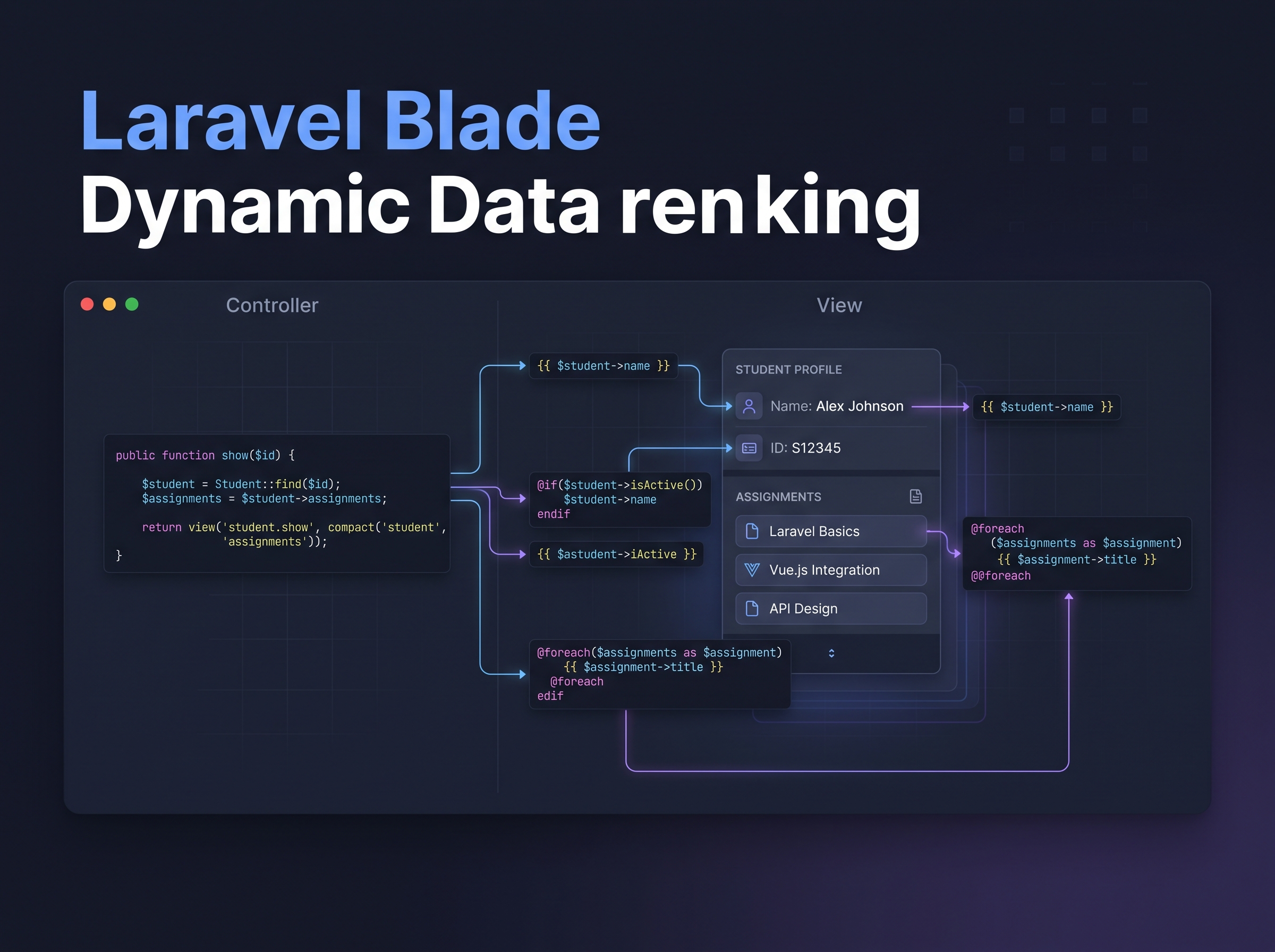
While learning Laravel, I practiced Blade templating by passing data from a Controller to a View and rendering it dynamically.
For the practice, I worked with a simple student information page containing values such as name, department, university, CGPA, and a list of skills.
Dynamic Values in Blade
Blade allows PHP data to be displayed inside HTML using the {{ }} syntax. Instead of hard-coding every value in the page, the View can receive data from the Controller and render it dynamically.
For example, a student name can be displayed with:
{{ $student['name'] }}
The same approach can be used for other values such as department, university, and CGPA.
Rendering Arrays with @foreach
The skills data was an array, so I used Blade's @foreach directive to render each skill.
This is useful because the number of skills can change without requiring separate HTML elements for every item. The template simply loops through the available data.
Conditional Rendering with @if
I also practiced using @if to display content based on a condition. This is useful when part of a page should only appear when specific data meets a particular condition.
What I Learned
The practice helped me understand a basic Laravel MVC flow more clearly: the Controller prepares data, the View presents it, and Blade provides the templating syntax needed to turn that data into dynamic HTML.
It is a small concept, but understanding this flow is important before moving toward more database-driven Laravel applications.
Found this article helpful?
Give some claps to support more in-depth engineering logs!
Tags
Share this article
Zahid Hasan Tonmoy
Author & Developer
MERN Full Stack Developer & AI Agent Developer based in Dhaka, Bangladesh. Writing about web development, React, PostgreSQL and my learning journey.
View Portfolio→