In our previous tutorial on building reliable AI agent streaming in Next.js with Server-Sent Events (SSE), we hardened our transport layer with 3-second keep-alive heartbeats and anti-buffering headers so multi-step tool executions never drop mid-flight. Our DevPulse agent can now survive shaky networks and reverse proxies, yet it still suffers from a glaring amnesia problem: the moment a developer refreshes their browser tab or switches devices, the entire debugging session, every GitHub tool card, and all token telemetry vanish into thin air.
To persist an AI agent's complete conversation history in Supabase without adding latency to your Next.js response stream, you store session metadata and message turns in two relational PostgreSQL tables (agent_sessions and agent_messages) equipped with JSONB columns for tool_invocations and telemetry. By hydrating historical turns on page load and deferring database writes to the non-blocking onFinish callback of your streaming pipeline, your agent maintains a fast ~300ms Time to First Token (TTFT) while preserving every intermediate tool output and reasoning trace across browser reloads.
This post wraps up Phase 3 (Posts 22–24) of our implementation roadmap. By the end of this guide, our Next.js agent will have a durable PostgreSQL memory layer capable of restoring multi-turn conversations, re-rendering historical tool cards, and feeding a clean 10-turn sliding window into future LLM calls.
Why Saving AI Agent History Is Harder Than a Standard Chat App
When developers build a basic chat application, their database table usually has three columns: id, role, and content. If you use that flat schema for a multi-step AI agent, three things break immediately when the user hits refresh:
- Lost Tool Invocations (
tool_invocations): In Posts 17 through 21, we built rich React cards (GitHubToolCardandAgentThinkingTimeline) that renderm.toolInvocations. If you only savem.contentas a string in PostgreSQL, reloading the page strips away every tool execution card and Level 2 approval state, leaving only the final text paragraph. - Corrupted LLM Context Windows: When a user asks a follow-up question like 'Can you check the second label on that issue you just fetched?', the LLM relies on seeing the previous turn's structured tool result (
issue #402JSON) in its context window. If your database only restores plain text, the agent loses the underlying structured data. - Blocking the Stream on Database Writes: If you
await supabase.from('agent_messages').insert(...)synchronously before opening the LLM stream—or worse, write every token delta to PostgreSQL during the stream—you add 150 to 400 milliseconds of database roundtrip latency before the user sees a single word.
A production agent persistence layer must capture the full structured anatomy of a turn (user prompt, assistant prose, JSONB tool invocations, and token telemetry) while keeping database I/O off the critical streaming path.
Designing the Supabase PostgreSQL Schema for Multi-Step Agents
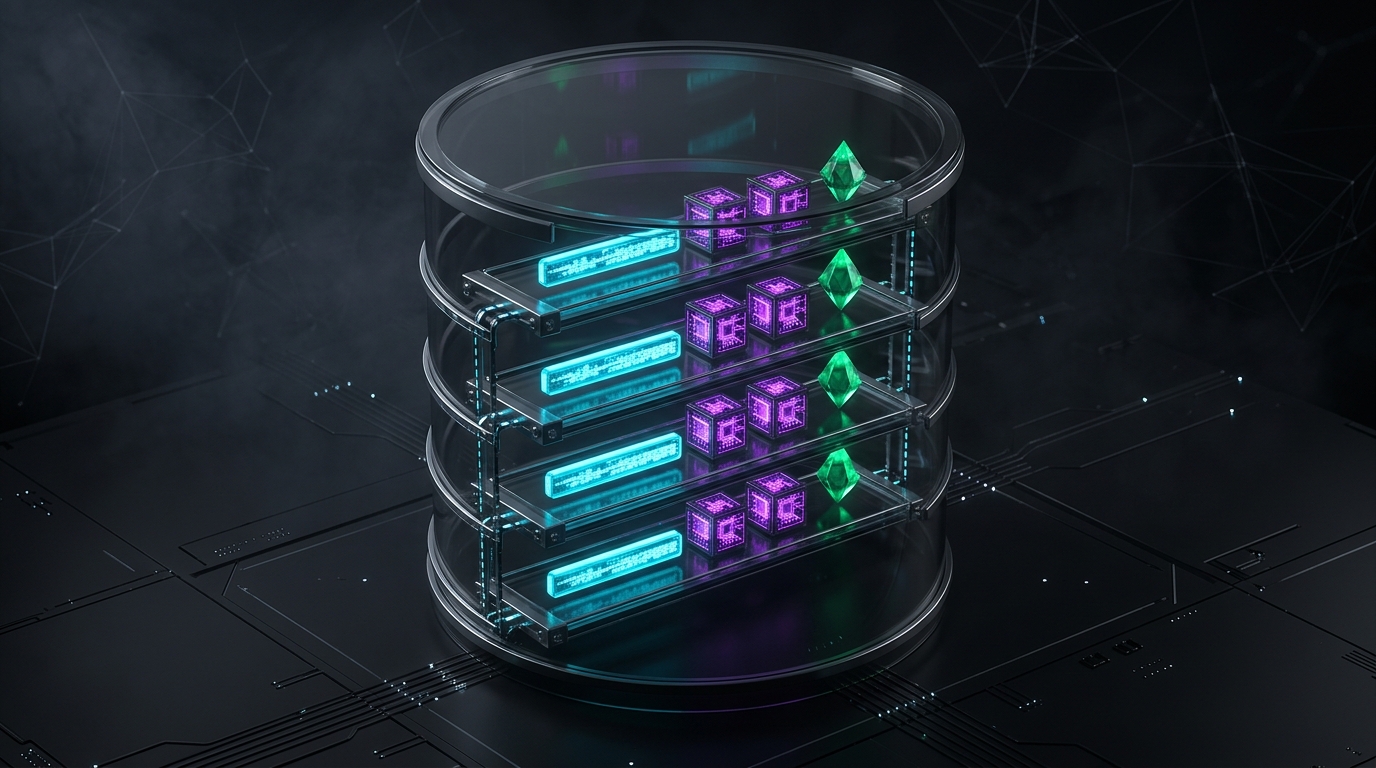
Open your Supabase SQL Editor and run the following migration. We create two tables: agent_sessions (to group conversations per user or workspace) and agent_messages (to store each chronological turn along with JSONB columns for tool calls and telemetry).
`sql -- supabase/migrations/20261106_agent_history.sql create extension if not exists "pgcrypto";
create table if not exists public.agent_sessions ( id uuid primary key default gen_random_uuid(), external_session_key text unique not null, title text not null default 'New DevPulse Triage Session', active_model text not null default 'claude-3-5-sonnet-latest', created_at timestamptz not null default now(), updated_at timestamptz not null default now() );
create table if not exists public.agent_messages ( id uuid primary key default gen_random_uuid(), session_id uuid not null references public.agent_sessions(id) on delete cascade, role text not null check (role in ('user', 'assistant')), content text not null default '', tool_invocations jsonb not null default '[]'::jsonb, telemetry jsonb default null, sequence_number bigint generated always as identity, created_at timestamptz not null default now() );
create index if not exists idx_agent_messages_session_seq on public.agent_messages (session_id, sequence_number asc);
alter table public.agent_sessions enable row level security; alter table public.agent_messages enable row level security; `
Look closely at three architectural decisions in this SQL schema:
sequence_number bigint generated always as identity: Relying solely oncreated_attimestamps for message ordering can cause subtle bugs if you insert the user message and the assistant message inside a single batch transaction at the end of a turn (where both rows receive the exact samenow()timestamp!). An auto-incrementingsequence_numberguarantees deterministic chronological order every single time.tool_invocations jsonb not null default '[]'::jsonb: PostgreSQLJSONBstores the exactToolInvocation[]array (includingtoolCallId,toolName,args,state: 'result', and the shaped DTOresult) in binary format, allowing instant hydration back into React'suseChathook.- Composite Index (
idx_agent_messages_session_seq): Indexing(session_id, sequence_number asc)allows Supabase to fetch the latest 10 or 50 messages for a session in under 3 milliseconds without scanning the full table.
Here is how our non-blocking read/write persistence pipeline coordinates between React, Next.js, and Supabase:
`mermaid sequenceDiagram participant UI as React Client (useChat) participant Server as Next.js Server / Route Handler participant DB as Supabase PostgreSQL (JSONB) participant LLM as Claude 3.5 Sonnet / GPT-4o
UI->>Server: 1. Page Load: Fetch session history
Server->>DB: SELECT messages ORDER BY sequence_number ASC
DB-->>Server: Return rows (content + tool_invocations + telemetry)
Server-->>UI: Hydrate useChat({ initialMessages })

UI->>Server: 2. User submits new prompt (POST /api/chat)
Server->>DB: Load last 10 turns for sliding-window context
Server->>LLM: Start streamText() immediately (~300ms TTFT)
LLM-->>UI: Stream live tool cards & text tokens
LLM->>Server: Trigger onFinish({ text, toolResults, usage })
Server->>DB: Atomic batch INSERT (user turn + assistant turn + JSONB)
`
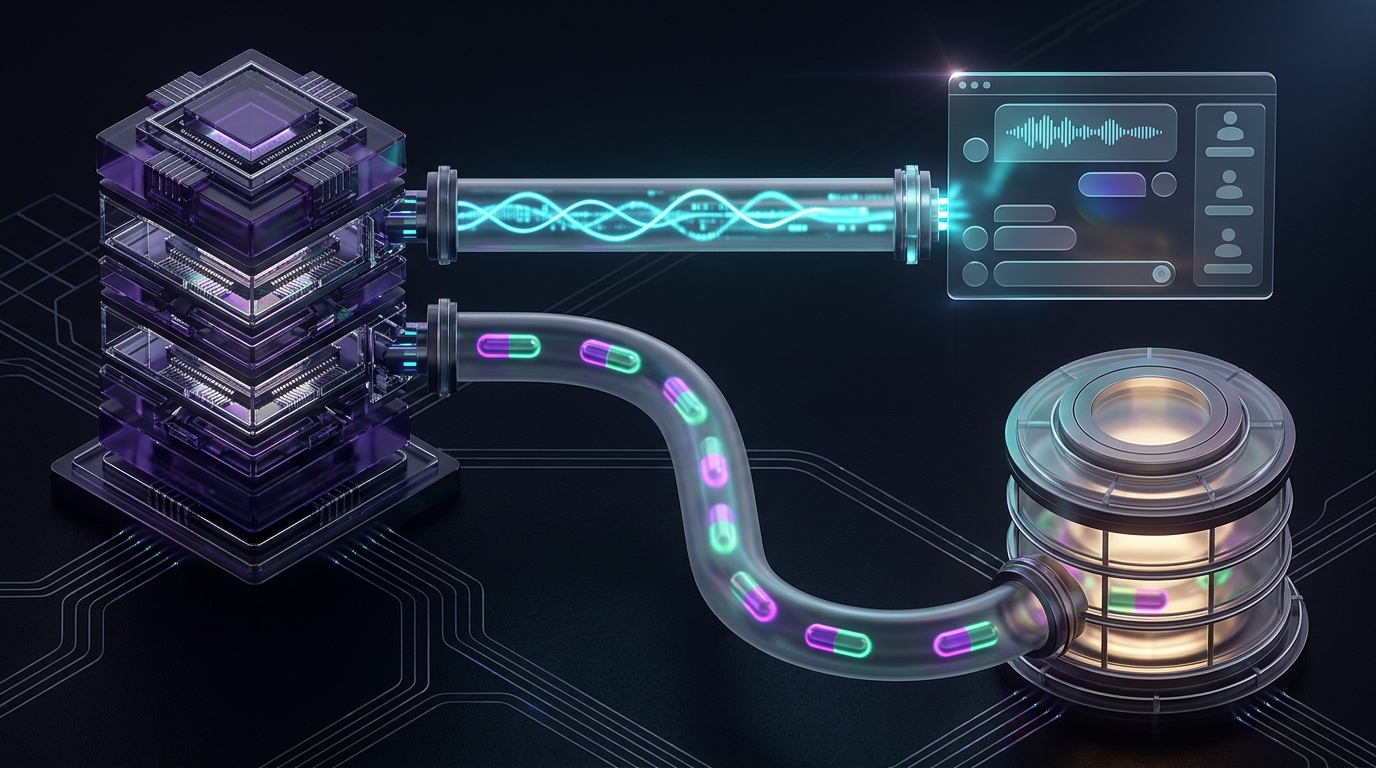
Architecture Flow Summary: When the page loads, Next.js queries Supabase ordered by sequence_number and hydrates useChat via initialMessages. When the user sends a new prompt, the server starts streaming from the LLM immediately (~300ms TTFT) without waiting on synchronous write locks, and then executes a single atomic batch INSERT of both the user turn and the complete assistant turn (including tool_invocations and telemetry JSONB) inside the onFinish callback.
Step 1: Installing the Supabase SDK and Configuring Server Credentials
Install the official Supabase JavaScript client in your Next.js project:
bash npm install @supabase/supabase-js server-only
Add your Supabase project URL and Service Role Key to .env.local. Because our persistence module is guarded by import 'server-only', the Service Role key stays strictly on the Next.js server:
`ini
.env.local
SUPABASE_URL=https://your-project-ref.supabase.co SUPABASE_SERVICE_ROLE_KEY=eyJhbGciOiJIUzI1NiIsInR5cCI6IkpXVCJ9... `
Step 2: Building the Type-Safe History Repository (history-store.ts)
Let us create src/lib/agent/history-store.ts. This module handles session creation, maps database rows cleanly into the Vercel AI SDK's Message format (including toolInvocations and annotations), and saves completed turns in a single atomic batch insert.
`typescript // src/lib/agent/history-store.ts import 'server-only'; import { createClient, type SupabaseClient } from '@supabase/supabase-js'; import { type Message, type ToolInvocation } from 'ai'; import { type MessageTelemetryAnnotation } from '@/app/api/chat/route';
interface AgentMessageRow { id: string; session_id: string; role: 'user' | 'assistant'; content: string; tool_invocations: ToolInvocation[]; telemetry: MessageTelemetryAnnotation | null; sequence_number: number; created_at: string; }
function getSupabaseAdmin(): SupabaseClient { const url = process.env.SUPABASE_URL; const key = process.env.SUPABASE_SERVICE_ROLE_KEY;
if (!url || !key) { throw new Error( 'Missing SUPABASE_URL or SUPABASE_SERVICE_ROLE_KEY in server environment.' ); }
return createClient(url, key, { auth: { persistSession: false, autoRefreshToken: false }, }); }
export async function getOrCreateSessionId( externalSessionKey: string, modelId: string ): Promise { const supabase = getSupabaseAdmin();
const { data: existing, error: selectErr } = await supabase .from('agent_sessions') .select('id') .eq('external_session_key', externalSessionKey) .maybeSingle();
if (selectErr) {
throw new Error(Supabase session lookup failed: ${selectErr.message});
}
if (existing?.id) { return existing.id; }
const { data: created, error: insertErr } = await supabase .from('agent_sessions') .insert({ external_session_key: externalSessionKey, active_model: modelId, }) .select('id') .single();
if (insertErr || !created) {
throw new Error(Failed to create agent session: ${insertErr?.message});
}
return created.id; }
export async function loadSessionHistory( externalSessionKey: string, limit = 40 ): Promise<Message[]> { const supabase = getSupabaseAdmin();
const { data: session } = await supabase .from('agent_sessions') .select('id') .eq('external_session_key', externalSessionKey) .maybeSingle();
if (!session?.id) return [];
const { data: rows, error } = await supabase .from('agent_messages') .select('*') .eq('session_id', session.id) .order('sequence_number', { ascending: true }) .limit(limit);
if (error || !rows) { console.error('Failed to load session messages:', error?.message); return []; }
return (rows as AgentMessageRow[]).map((row) => ({ id: row.id, role: row.role, content: row.content, toolInvocations: Array.isArray(row.tool_invocations) && row.tool_invocations.length > 0 ? row.tool_invocations : undefined, annotations: row.telemetry ? [row.telemetry as unknown as Record<string, string | number | string[]>] : undefined, createdAt: new Date(row.created_at), })); }
export interface PersistTurnPayload { externalSessionKey: string; modelId: string; userPrompt: string; assistantReply: string; toolInvocations: ToolInvocation[]; telemetry: MessageTelemetryAnnotation; }
export async function persistCompletedAgentTurn( payload: PersistTurnPayload ): Promise { const supabase = getSupabaseAdmin(); const sessionUuid = await getOrCreateSessionId( payload.externalSessionKey, payload.modelId );
const rowsToInsert = [ { session_id: sessionUuid, role: 'user' as const, content: payload.userPrompt, tool_invocations: [], telemetry: null, }, { session_id: sessionUuid, role: 'assistant' as const, content: payload.assistantReply, tool_invocations: payload.toolInvocations, telemetry: payload.telemetry, }, ];
const { error } = await supabase.from('agent_messages').insert(rowsToInsert);
if (error) { console.error('Failed to persist agent turn to Supabase:', error.message); return; }
await supabase .from('agent_sessions') .update({ updated_at: new Date().toISOString(), active_model: payload.modelId, }) .eq('id', sessionUuid); } `
Look at how persistCompletedAgentTurn inserts [userRow, assistantRow] in a single array call (supabase.from('agent_messages').insert(rowsToInsert)):
- Atomic Turn Integrity: If a user aborts a stream halfway through or an upstream API key fails before any answer is generated, you do not end up with an orphaned
role: 'user'row sitting at the tail of your database table (which, as we saw in Post 14, causes consecutive-role400errors on subsequent Claude API calls!). - Single Network Roundtrip: Instead of firing one database
INSERTat the start of the request and threeUPDATEqueries as tools finish, your server performs one single batch write insideonFinishafter the final token has already been flushed to the user's browser.
Step 3: Wiring Non-Blocking Persistence into /api/chat/route.ts
Now let us update createAgentTextStream and /api/chat/route.ts so every completed turn automatically extracts the completed ToolInvocation[] objects from steps inside onFinish and saves the turn to Supabase.
`typescript // src/app/api/chat/route.ts (Persisting inside the stream completion hook) import { NextRequest, NextResponse } from 'next/server'; import { createDataStreamResponse, type ToolInvocation } from 'ai'; import { z } from 'zod'; import { defaultDevPulseConfig } from '@/lib/agent/blueprint'; import { type ChatMessage } from '@/lib/agent/llm-client'; import { createAgentTextStream } from '@/lib/agent/stream-client'; import { persistCompletedAgentTurn } from '@/lib/agent/history-store';
export const maxDuration = 60;
const routePayloadSchema = z.object({ sessionId: z.string().min(8), modelId: z .enum(['gpt-4o', 'claude-3-5-sonnet-latest']) .default('claude-3-5-sonnet-latest'), messages: z .array( z.object({ role: z.enum(['user', 'assistant', 'system']), content: z.string(), }) ) .min(1), });
export async function POST(req: NextRequest) { const body = await req.json().catch(() => null); const parsed = routePayloadSchema.safeParse(body);
if (!parsed.success) { return NextResponse.json({ error: 'Invalid chat payload' }, { status: 400 }); }
const { sessionId, modelId, messages } = parsed.data; const lastUserMessage = [...messages].reverse().find((m) => m.role === 'user');
const normalizedMessages: ChatMessage[] = messages.filter( (m): m is { role: 'user' | 'assistant'; content: string } => (m.role === 'user' || m.role === 'assistant') && m.content.trim().length > 0 );
return createDataStreamResponse({ execute: (dataStream) => { const result = createAgentTextStream( normalizedMessages, { ...defaultDevPulseConfig, modelId, }, async (telemetry, completionDetails) => { dataStream.writeMessageAnnotation(telemetry);
      if (lastUserMessage) {
        await persistCompletedAgentTurn({
          externalSessionKey: sessionId,
          modelId,
          userPrompt: lastUserMessage.content,
          assistantReply: completionDetails.text,
          toolInvocations: completionDetails.toolInvocations,
          telemetry,
        });
      }
    }
  );

  result.mergeIntoDataStream(dataStream);
},
}); } `
To assemble completionDetails.toolInvocations inside createAgentTextStream (src/lib/agent/stream-client.ts), map over steps inside onFinish({ text, usage, steps }):
`typescript // Inside createAgentTextStream onFinish({ text, usage, steps }) in src/lib/agent/stream-client.ts const completedToolInvocations: ToolInvocation[] = [];
for (const step of steps) { for (const res of step.toolResults ?? []) { completedToolInvocations.push({ state: 'result', toolCallId: res.toolCallId, toolName: res.toolName, args: res.args, result: res.result, }); } } `
Step 4: Hydrating Saved History on Page Load (page.tsx & DevPulseStreamChat.tsx)
Because Next.js App Router pages are Server Components by default (a topic we will explore deeply in Post 25), we can fetch the saved conversation directly from Supabase on the server before the page even renders—eliminating client-side loading spinners on page refresh!
Update src/app/page.tsx to load the history for the active session and pass initialMessages down to our client component:
`tsx // src/app/page.tsx import { loadSessionHistory } from '@/lib/agent/history-store'; import DevPulseStreamChat from '@/components/DevPulseStreamChat';
interface PageProps { searchParams: Promise<{ session?: string }>; }
export default async function DevPulsePage({ searchParams }: PageProps) { const params = await searchParams; const sessionKey = params.session ?? 'devpulse-prod-session-01'; const initialMessages = await loadSessionHistory(sessionKey, 40);
return ( ); } `
And inside src/components/DevPulseStreamChat.tsx, pass initialMessages straight into useChat:
tsx // Inside src/components/DevPulseStreamChat.tsx const { messages, input, handleInputChange, handleSubmit, isLoading, stop, } = useChat({ api: '/api/chat', id: sessionKey, initialMessages, });
When you refresh the browser now, Next.js fetches the agent_messages rows from Supabase on the server, restores content, toolInvocations, and annotations, and renders your GitHubToolCard and token badges on the very first HTML paint.
A Real Database Lesson: Why Saving Only content and Relying on created_at Broke My Early Chat History
When I designed relational schemas for my earlier web platforms like OffenseOrbit (with MySQL) and MealMap, and later built my first persistent Next.js + Supabase chat prototype, I made two assumptions that seemed completely logical at the time.
First, I created a messages table that only stored role and content: text. When I tested a multi-step agent turn that called my custom GitHub issue tool, the live stream showed the purple tool card and the final answer nicely. Then I pressed F5 to refresh the browser. The text paragraph came back, but the GitHub issue card and the Thought for 3.2s timeline completely disappeared because I had never persisted the toolInvocations array in a JSONB column! Even worse, on the next turn, when I asked a follow-up question about a label inside that GitHub card, the agent had no idea what I was talking about.
Second, when I switched to batch-inserting [userMessage, assistantMessage] inside onFinish to save a database roundtrip, I ordered my SELECT query by ORDER BY created_at ASC. Because PostgreSQL assigns default now() at the start of the transaction, both the user row and the assistant row received the exact same microsecond timestamp (2026-10-12 14:22:01.409122+00). Roughly one out of every four page refreshes, PostgreSQL returned the assistant row before the user row! Adding sequence_number bigint generated always as identity and indexing (session_id, sequence_number asc) fixed the ordering bug permanently.
Common Mistakes When Saving AI Agent History in Supabase
Before moving on to Phase 4 (Server vs. Client Component Architecture) in Post 25, make sure your persistence layer avoids these four anti-patterns:
1. Writing Token Deltas to PostgreSQL Inside the Stream Loop
Never run an UPDATE agent_messages SET content = ... query inside for await (const delta of textStream). Doing 80 database writes per second for a single user will exhaust your Supabase connection pool and slow your stream to a crawl. Stream in memory, and persist the completed turn once inside onFinish.
2. Exposing the Supabase service_role Key to Client Components
Never prefix your service role key with NEXT_PUBLIC_ or call persistCompletedAgentTurn directly from the browser. If a client can write directly to agent_messages without server-side validation, a malicious user can inject fake role: 'assistant' messages into the database to poison future agent turns.
3. Loading All Historical Rows Instead of a Bounded Window
As a debugging session grows to 100+ messages, passing all 100 rows back into OpenAI or Claude on every turn will cost a fortune. Notice how our architecture separates UI hydration (loadSessionHistory(sessionKey, 40) so the user can scroll back through recent chat) from LLM context windowing (sanitizeConversationHistory(messages, 10) from Post 14, which sends only the last 10 turns to the model).
4. Ordering Batch-Inserted Messages Only by created_at
As we saw in the debugging story above, two rows inserted in the same SQL statement share identical now() timestamps. Always include an identity or explicit sequence_number column for deterministic message ordering.
Frequently Asked Questions
Why store tool_invocations as JSONB instead of creating a separate agent_tool_calls relational table?
While you can normalize tool calls into a third table for cross-session analytics, storing tool_invocations as a JSONB array directly on agent_messages eliminates an expensive LEFT JOIN on every page load and maps 1-to-1 with the Vercel AI SDK's Message.toolInvocations interface. Plus, PostgreSQL supports GIN indexing on JSONB if you ever need to query messages by toolName.
What happens if the user closes their browser tab mid-stream before onFinish runs?
When a stream is still running on the server, Next.js continues executing streamText until completion (or until req.signal aborts). If you want partial responses saved even when a user clicks the Stop button, you can also listen to the abort event on the server and persist the accumulated partial string with a status: 'aborted' metadata flag.
Can I use this exact same Supabase PostgreSQL instance for RAG vector search later?
Yes. That is one of the biggest advantages of choosing Supabase for our stack. In Section C (Post 29), we will enable the pgvector extension in this exact same Supabase project so our agent_sessions, agent_messages, and vector documentation embeddings live side by side in one unified database.
Need a High-Performance Web App or Custom AI Solution?
I help founders, businesses, and engineering teams build lightning-fast web applications, resilient backend architectures, and intelligent AI workflows. Have an idea in mind? Let’s bring it to life.
Found this article helpful?
Give some claps to support more in-depth engineering logs!
Zahid Hasan Tonmoy
Author & Developer
MERN Full Stack Developer & AI Agent Developer based in Dhaka, Bangladesh. Writing about web development, React, PostgreSQL and my learning journey.